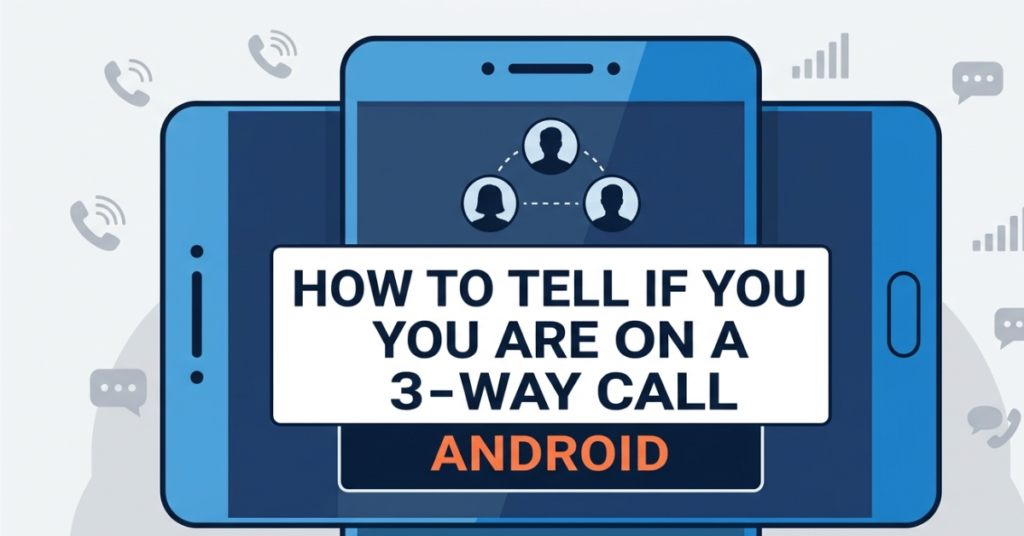

Ever had that strange feeling that someone else might be listening in on your call? You’re not alone. Understanding how to tell if you are on a 3-way call Android can help you stay aware and in control of your conversations.
While Android phones don’t always make it obvious, there are clear signs and simple checks you can use to figure out if a third person has been added to your call. Let’s break it down step by step.
What Is a 3-Way Call on Android?
A 3-way call Android feature (also called conference calling) allows you to connect with multiple people in a single call.
How it works:
- You start a call with one person
- Add another caller using the “Add call” option
- Merge the calls into one conversation
Once merged, all participants can hear and speak to each other.
How to Tell If You Are on a 3-Way Call Android
Here are the most common signs that you might already be on a 3-way call.
1. Look for the “Merge” or “Conference” Indicator
Most Android devices display a “Conference Call” or “Merge Calls” label on the screen.
What to check:
- Multiple caller icons
- A “Conference” label
- More than one phone number or contact name
If you see any of these, you’re likely on a 3-way call.
2. Notice Background Sounds or Echoes
Sometimes, the easiest clue is what you hear.
Listen for:
- Faint breathing or background noise
- Delayed echoes
- Sudden silence followed by noise
These can indicate another person is connected but not speaking.
3. Watch for Call Hold and Switching Behavior
If the person you’re talking to suddenly puts you on hold and then resumes the call, they might be adding someone else.
Red flags:
- You hear hold music
- The call pauses briefly
- The tone changes before reconnecting
4. Check the Call Screen Options
Your Android call interface can reveal a lot.
Look for buttons like:
- “Manage conference”
- “Swap calls”
- “Merge calls” (already active)
If these options appear differently than usual, a third party may be present.
5. Ask Directly (Yes, Really)
Sometimes the simplest approach works best.
- “Hey, is someone else on this call?”
In many cases, people won’t hide it—and asking clears up any confusion instantly.
Can Someone Add a Third Person Without You Knowing?
This is a common concern. Technically:
- On most Android devices, you’ll usually see or hear signs when a call is merged
- Silent third-party listening without notification is not a standard feature
However, in rare cases (like call recording apps or external devices), someone might listen indirectly—but that’s different from a true 3-way call.
How to Prevent Unexpected 3-Way Calls
If you want to stay fully in control, here are a few tips:
Be cautious during calls
- Pay attention to sudden pauses or hold music
Monitor your call screen
- Regularly glance at call indicators
Use trusted contacts
- Be careful when speaking with unknown numbers
End suspicious calls
- If something feels off, hang up and call back
Common Misconceptions About 3-Way Calls
Let’s clear up a few myths:
“You can’t tell if someone joins the call”
Not true. Most Android phones show visual or audio cues.
“People can secretly join anytime”
False. Adding someone requires user action and usually triggers notifications.
“Echo always means a third person”
Not necessarily. It could just be a poor network connection.
FAQs About 3-Way Call Android
1. How to tell if you are on a 3-way call Android?
Check for conference call labels, multiple callers on screen, or unusual background sounds.
2. Can someone secretly add a third person on Android?
Not typically. Android devices usually show indicators when a call is merged.
3. Why do I hear echo on calls?
Echo is often caused by network issues, not necessarily a 3-way call.
4. What does “Merge Calls” mean on Android?
It means two separate calls have been combined into a single conversation.
5. Can I remove someone from a 3-way call?
Yes, some Android devices allow you to manage or disconnect individual participants.
Conclusion
Knowing how to tell if you are on a 3-way call Android gives you peace of mind during your conversations. While Android devices don’t always make it obvious at first glance, there are clear signs—like conference indicators, call behavior changes, and background noise—that can help you figure it out quickly.
The key is simple: stay aware, trust your instincts, and don’t hesitate to check or ask. With these tips, you’ll always know who’s really on the line.
Want to stay even more secure? Explore your phone’s call settings and privacy features to take full control of your communication.